
Unlock the full potential of your Lenovo Aurora GK10 Wireless Mechanical Gaming Keyboard by mastering its dedicated software suite. Whether you are a competitive gamer or a productivity enthusiast, the software is the key to transforming this hardware from a standard peripheral into a personalised command centre.
Here is everything you need to know about downloading, installing, and utilising the software for your GK10.
1. How to Download and Install the Software
The Lenovo Aurora GK10 is primarily managed through the Lenovo Accessory and Display Manager (formerly known as Legion Accessory Central for older models). This unified app allows you to control all your Lenovo peripherals in one place.
Step-by-Step Installation:
-
Download the software by clicking the download button.

-
Search for Your Product: Type “Aurora GK10” in the search bar or navigate to PC Accessories > Keyboards.
-
Run the Installer: Open the downloaded
.exefile and follow the on-screen prompts. -
Connect Your Keyboard: For the software to recognise the device, connect the GK10 via the 2.4GHz wireless dongle or the provided USB-C cable.
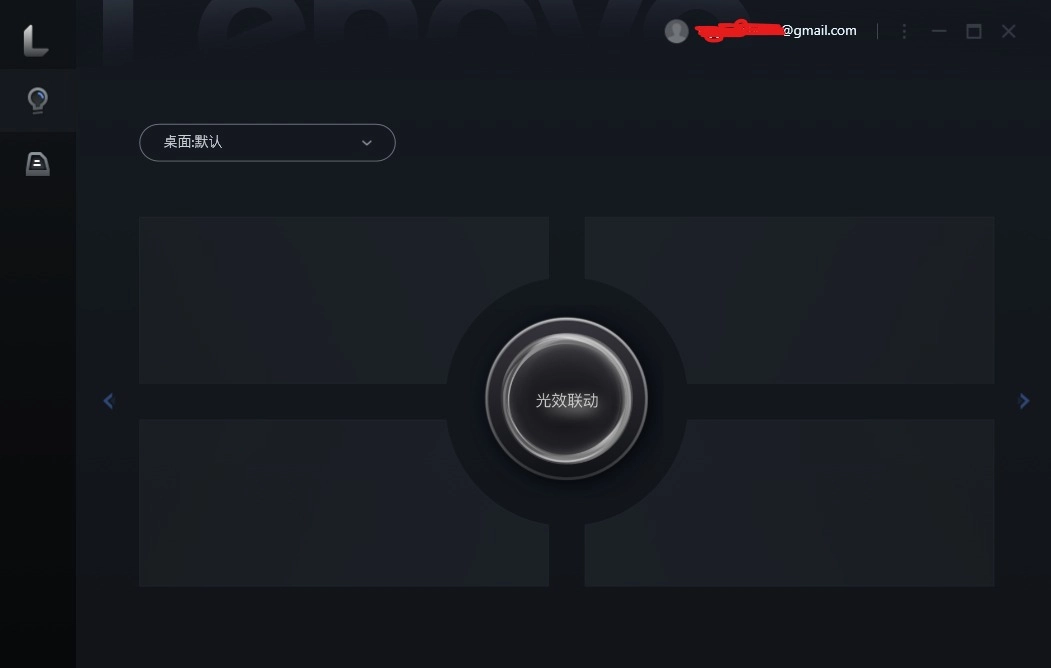
5. Connect the dongle with the PC, Using Wire or Bluetooth
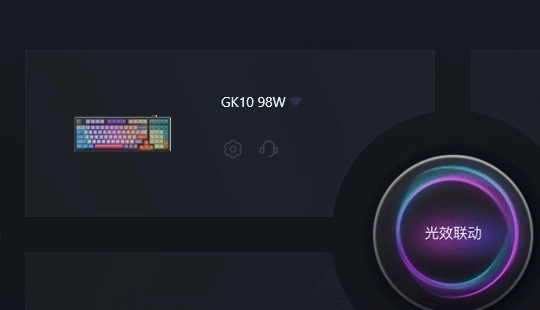
2. Key Features: What Can the Software Do?
Once installed, the software opens up a world of customisation. Here are the core pillars of the Aurora GK10 software:
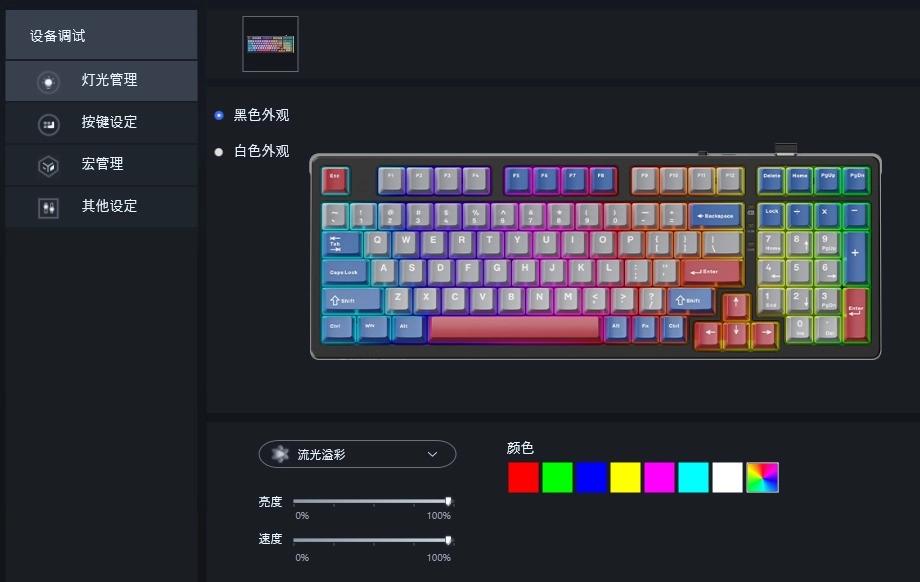
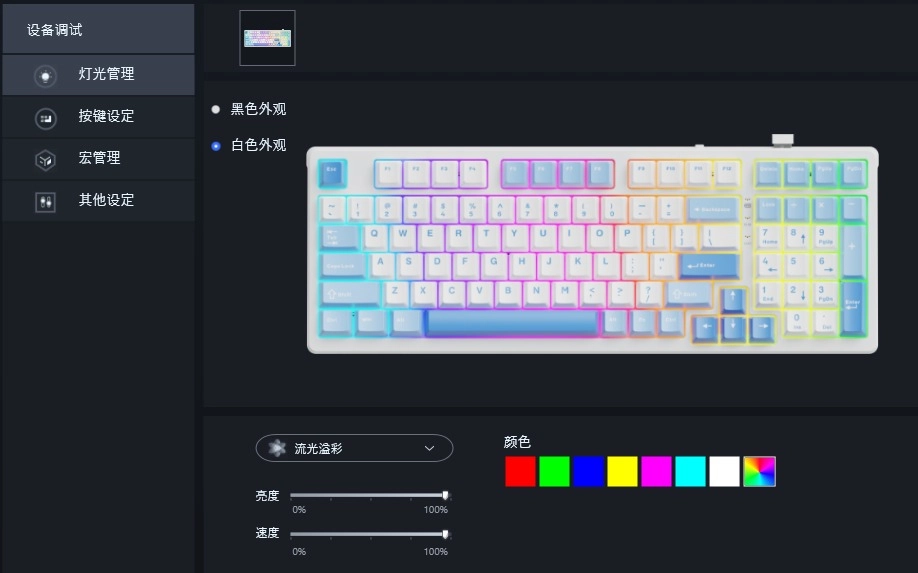
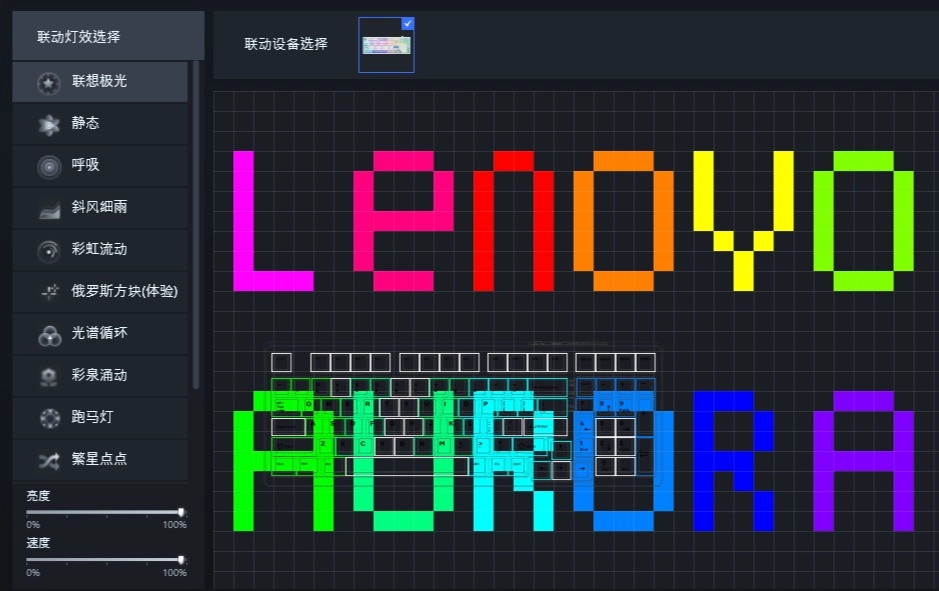
🌈 Advanced RGB Lighting Control
The GK10 features per-key RGB lighting with over 16.8 million colors.
-
Prebuilt Effects: Choose from 10+ lighting modes like “Rainbow Wave,” “Breathing,” or “Reactive.”
-
Custom Profiles: Design your own layout. You can highlight specific keys (like WASD for FPS games or QWER for MOBAs) with distinct colors.
-
Brightness & Speed: Fine-tune the animation speed and brightness levels to match your desk setup.
⌨️ Macro Programming & Key Remapping
Take your efficiency to the next level by changing what your keys do.
-
Macro Recorder: Record complex sequences of keystrokes and delays. You can assign a 10-key combo to a single button—perfect for MMO rotations or complex Photoshop shortcuts.
-
Key Remapping: If you don’t like the default layout, you can remap almost any key to perform a different function or launch a specific application.
⚙️ Performance & System Settings
-
Polling Rate Adjustment: Switch between different polling rates (up to 1000Hz) to ensure zero-latency communication during intense gaming sessions.
-
Game Mode: Use the software to toggle “Game Mode,” which disables the Windows key and other accidental triggers that could kick you out of a match.
-
Battery Management: Since the GK10 is wireless, the software provides a precise battery percentage indicator and sleep-timer settings to help conserve power.
3. Why Should You Use the Software?
While the Aurora GK10 is “plug-and-play” for basic typing, you lose out on the “Mechanical” advantage without the software.
By using the Lenovo Accessory and Display Manager, you ensure your keyboard’s firmware stays up to date, which fixes bugs and occasionally adds new lighting patterns or improved wireless stability.
If you want to BUY Lenovo Aurora GK10 you can from dotbox.pk webstore or from this link
 Shop Now